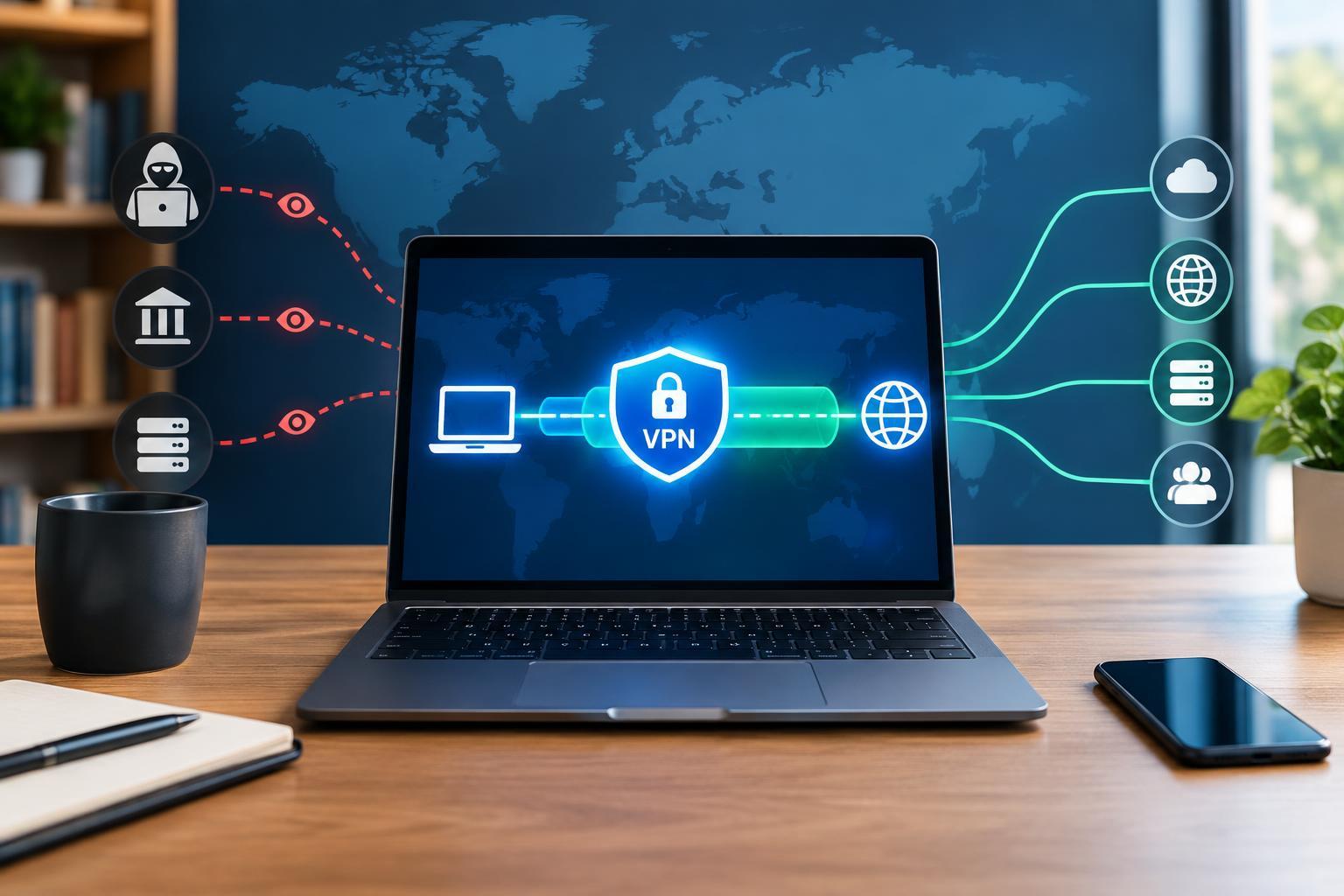
A VPN Changes the Route Your Traffic Takes
A consumer virtual private network, or VPN, creates an encrypted connection between your device and a server operated by the VPN provider. Instead of connecting directly through your internet service provider to each destination, covered traffic travels through this tunnel first. The VPN server then forwards it toward the website or service you want to reach.
This creates two important changes. Your local network and internet provider generally cannot inspect the contents or final destinations of traffic inside a properly configured tunnel. Meanwhile, websites typically see the VPN server’s public IP address rather than your connection’s original public IP address. Your internet provider can still see that you are communicating with a VPN server, along with information such as connection timing and traffic volume.
The word “covered” matters. Some VPNs route nearly all device traffic, while split tunneling sends only selected applications or destinations through the tunnel. A browser extension marketed as a VPN may protect only browser traffic. Other apps, background services, or excluded connections can continue using your regular internet route.
VPN Encryption and HTTPS Protect Different Parts of the Journey
VPN encryption normally ends at the VPN server. It protects the path from your device to that server, not automatically the entire journey to a destination. HTTPS provides a separate layer of encryption between your browser or app and the service it connects to. Using a VPN does not replace HTTPS.
When you visit an HTTPS website, the VPN provider generally cannot read the page contents, passwords, or messages carried within that encrypted connection. It can still observe connection metadata, including destination IP addresses, timing, and volume. Depending on how domain lookups and connections are handled, it may also learn which domains you access. With unencrypted HTTP, content leaving the tunnel can be exposed to the VPN operator and networks farther along the route.
On shared Wi-Fi, a VPN reduces what the local network can observe about tunneled traffic. However, modern HTTPS already protects much web content from nearby snooping. Neither technology makes a malicious download safe, verifies every website’s honesty, or prevents you from entering credentials into a convincing phishing page.
Changing Your IP Address Does Not Make You Anonymous
An IP address is only one way to recognize a user. If you sign into an account while connected to a VPN, that service still knows which account you are using. Cookies, advertising identifiers, and browser fingerprinting can also connect activity across sessions. A VPN does not automatically erase these identifiers or block tracking scripts.
It also does not necessarily conceal your physical location from an app. GPS access, nearby Wi-Fi information, account details, and other device signals can reveal location independently of your public IP address. Choosing a server in another country changes the apparent origin of covered connections, but it does not guarantee access to a region-restricted service.
A VPN cannot undo monitoring already happening on your device. Malware, an intrusive browser extension, or management software on a workplace computer may observe activity before encryption occurs. For this reason, VPN protection should sit alongside software updates, careful permission choices, strong account security, and sensible browser privacy settings—not substitute for them.
A VPN Moves Trust Rather Than Removing It
Without a VPN, your internet provider occupies a useful position for observing connection metadata. With a VPN, much of that visibility shifts to the VPN operator. The provider may also hold account, payment, and diagnostic information. Shared server IP addresses can make users harder to distinguish from the outside, but they do not prove the operator cannot associate activity with a customer.
Treat “no logs” as a claim that needs a clear definition. Look for explanations of what is collected, why it is needed, how long it is retained, and whether connection records can be linked to accounts. Ownership transparency, a comprehensible privacy policy, and a clear funding model are useful signals. A paid subscription alone does not establish trustworthiness.
Independent audits can offer evidence about particular systems and practices, but their scope and timing matter. They are not permanent guarantees. Open-source applications can make client software easier to inspect, yet they do not by themselves establish how servers are operated. Evaluate the whole service rather than relying on one badge or feature.
Configure the Protection You Actually Need
Check whether the app routes all intended traffic, handles DNS lookups through the protected connection, and supports IPv6 without unintended bypasses. A kill switch is intended to block traffic if the tunnel drops, although its behavior varies by platform and configuration. Review split-tunneling exclusions and test reconnect behavior after sleep or a network change.
Choose a VPN for a specific purpose: reducing local-network visibility, limiting what your internet provider can infer, or changing the public IP address seen by services. Expect possible speed reductions and occasional compatibility problems. The practical goal is not invisibility, but a deliberate change in who can observe your connections—and a considered choice about whom you trust.