Start with what you print, not the printer
Before comparing models, think about a typical month at home. Do you print mostly forms and shipping labels, or do you need color charts, school projects, and photographs? How often do you print? A household that produces a few documents each week has different needs from one that occasionally prints a large batch and then leaves the printer idle. Write down your likely page volume, whether color is essential, and the largest paper size you expect to use.
Consider the tasks around printing, too. If you regularly copy documents or scan signed forms, an all-in-one printer may be more convenient than a print-only model. If you scan many loose pages, an automatic document feeder can save time; for books, cards, or delicate originals, a flatbed scanner is more useful. These features are worth paying for only if they fit work you actually do.
Understand the inkjet and laser trade-offs
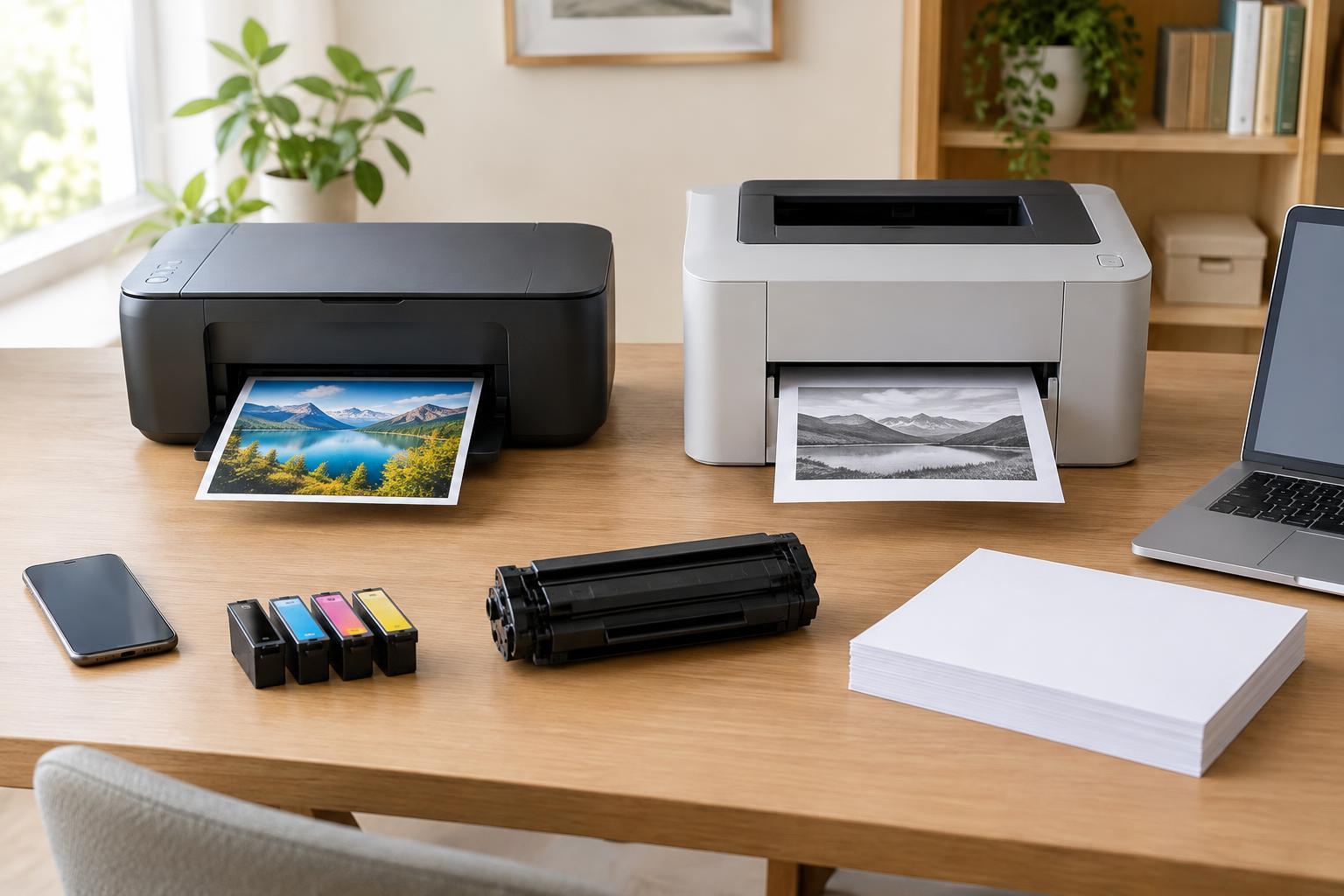
Inkjet printers place liquid ink on paper. They are a flexible choice when color output matters, particularly if you want to print images on suitable photo paper. Results depend on the printer, ink, paper, and settings, so a low purchase price does not guarantee satisfactory photos. Ink can also be consumed during maintenance, and printers left unused for long periods may need cleaning before they produce consistent output.
Laser printers use toner and are often a practical fit for frequent text printing. Monochrome models avoid the cost of color supplies altogether, but they cannot produce a color diagram when you need one. Color laser models offer another option for charts and presentations, though they may not meet the expectations of someone buying primarily for photographs. Rather than assuming one technology is universally cheaper, compare models against your own mix of pages.
Calculate the cost of keeping it running
Look past the price on the box. Check the cost of replacement ink or toner, the stated page yield, and whether the printer needs separate supplies such as a maintenance cartridge or imaging drum. A simple estimate is the price of a replacement supply divided by its stated yield. Treat the result as a comparison tool, not a promise: yields are based on specified test conditions, while a dense graphic or a full-page photograph can use much more ink or toner than a short letter.
Also find out what comes with the printer. Included cartridges may have a different capacity from standard replacements, so the first refill can arrive sooner than expected. If you print substantial amounts, compare high-capacity cartridges or refillable-tank models, while accounting for their higher initial price. If you print rarely, think about whether unused supplies or maintenance cycles could affect the value you get. Paper, especially specialty photo paper, belongs in the budget as well.
Check paper handling and everyday convenience
Automatic two-sided printing can reduce paper use and make longer documents easier to manage. Check whether it works for the paper sizes you use, and whether two-sided scanning is available if you need it; a printer that prints on both sides does not necessarily scan both sides. Tray capacity matters when several people print regularly, while a manual feed slot may be useful for envelopes or occasional specialty paper. Confirm supported paper sizes and weights before assuming a model can handle labels or card stock.
Think about where the printer will sit. Note its footprint with trays open and whether you can reach the scanner lid, output tray, and replacement supplies. If noise or startup time matters in a shared room, look for specifications and owner-controlled settings relevant to those concerns. A feature-rich printer can still be frustrating if loading paper or clearing a jam requires moving furniture.
Choose a connection you can maintain
USB is straightforward for a printer used by one nearby computer. Wi-Fi makes sharing easier across a household, but setup depends on the printer and network. If available, Ethernet offers a wired network connection for a printer kept in one place. Before buying, check that the model supports the operating systems and devices you use, especially if mobile printing is important. If you need to print without an internet connection, confirm that your intended method does not depend on a cloud service.
Finally, consider how the printer will be looked after. Check that replacement supplies are readily available to you, that settings and firmware updates are manageable, and that you can restrict access if it will be shared on a network. The best home printer is not necessarily the one with the longest feature list. It is the one that reliably handles your usual pages at a cost and level of upkeep you are comfortable with.