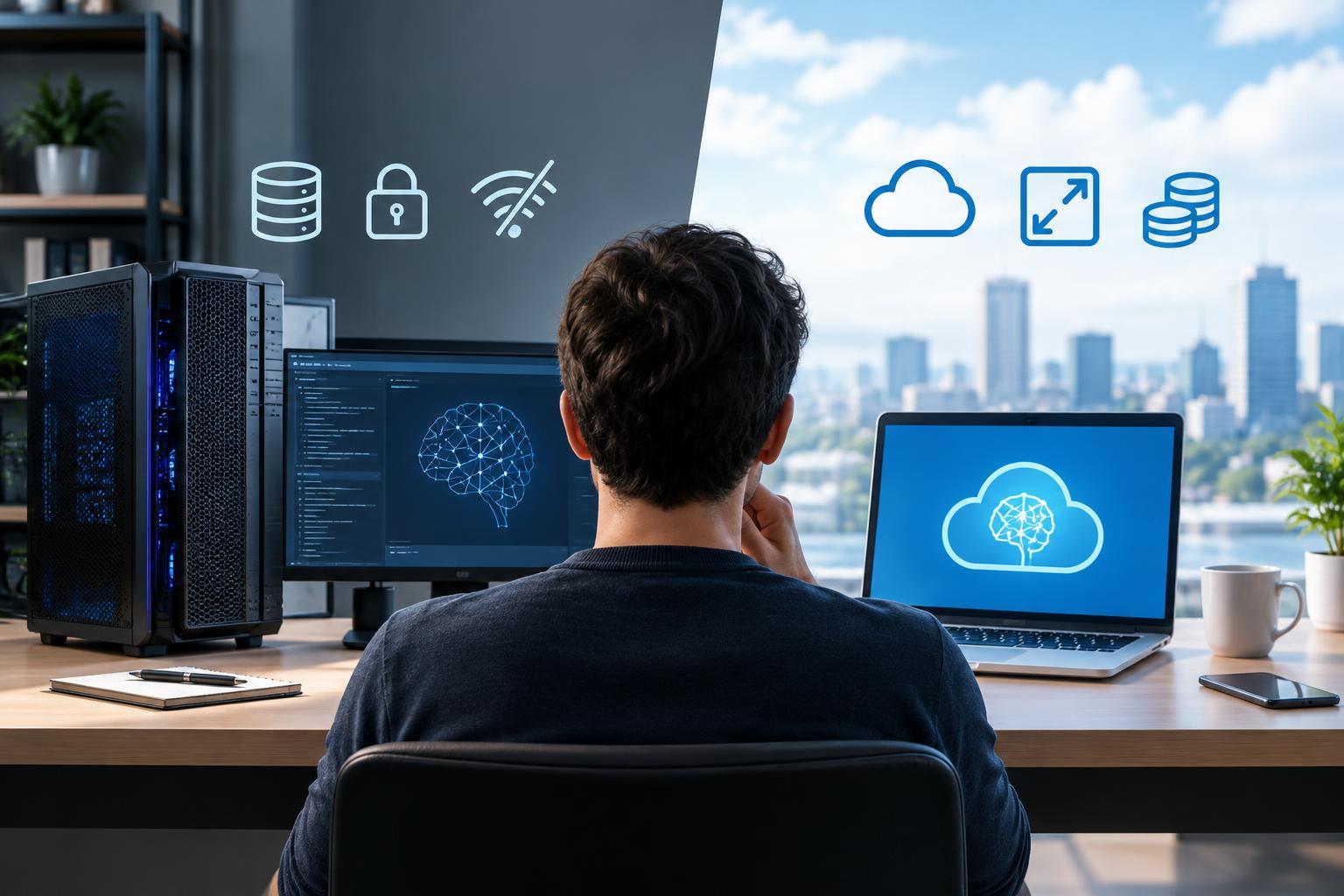
Start with the workload, not the hardware
Running AI locally means processing requests on hardware you control, such as a laptop, workstation, or on-site server. Cloud AI usually means either calling a provider’s managed model through an API or renting remote computing resources to run a model yourself. These cloud options involve different responsibilities: a managed API handles much of the infrastructure, while a rented server still needs configuration and upkeep.
Before choosing, define the task. Occasional document summaries, continuous transcription, image generation, and an internal coding assistant create different demands. Also distinguish inference—using an existing model—from training or fine-tuning it. A machine that comfortably runs a model may not have enough memory or computing capacity to adapt it.
Set practical requirements for output quality, response time, simultaneous users, and availability. Test representative inputs rather than relying only on benchmark scores. A small local model that handles a narrow task reliably may be more useful than a stronger cloud model with unsuitable latency or data-handling conditions.
Local hardware: memory is often the first constraint
For many local generative AI workloads, memory capacity determines which models you can run. Model weights must fit somewhere, alongside runtime overhead and working memory. Language models also need memory for their context cache, which can grow with longer inputs and concurrent requests. Image, audio, and multimodal models have their own memory patterns.
A compatible GPU can accelerate many workloads, but compatibility matters as much as advertised performance. Check whether your intended software supports the hardware and its drivers. Some systems use dedicated graphics memory; others share memory between the CPU and GPU. CPU-only inference is possible for some models, although responsiveness may fall short for larger or interactive workloads.
Quantization reduces the precision used to store model values, often lowering memory requirements and sometimes improving speed. It can also affect output quality, and the results depend on the model, method, and task. Allow room for storage, model downloads, cooling, and future workloads rather than buying hardware that barely fits one demonstration.
Compare total cost, not just the purchase price
Local AI has upfront costs for hardware and ongoing costs for electricity, maintenance, and staff time. Existing equipment can make experimentation inexpensive, but sustained use may compete with other work. Hardware also ages and may need replacement before its operating cost has offset the purchase price.
Managed cloud services commonly charge by usage, while rented infrastructure is often billed by allocated resources and time. Depending on the service, storage, data transfer, and idle capacity may add to the bill. Usage-based services can suit occasional or unpredictable demand because they avoid purchasing equipment that sits unused.
Build a comparison around a representative week or month. Record request volume, input and output sizes, retries, and peak concurrency. Estimate local ownership and operating costs across a realistic useful life, then compare them with cloud charges for equivalent results. Include setup and support time on both sides. Heavy, steady utilization can favor local hardware, but no universal break-even point applies.
Maintenance, privacy, and reliability change the equation
A local deployment makes you responsible for updates, driver compatibility, model files, security patches, monitoring, and recovery. Software or model upgrades can change performance and outputs, so important workflows benefit from repeatable tests and a rollback plan. An unattended production service requires more care than a personal desktop experiment.
Managed APIs remove much of the infrastructure work, but they introduce dependencies on network access, provider availability, rate limits, and supported model versions. You still need error handling, usage controls, and regression testing. Renting cloud hardware shifts the machine’s location without necessarily removing the administration burden.
Local processing can keep inputs off external services, but it does not automatically make a system private or secure. Logs, backups, telemetry, remote access, and application integrations can still expose information. For cloud systems, examine retention settings, access controls, and service terms. For either approach, limit unnecessary data collection and protect stored inputs and outputs.
Use a small pilot—and consider a hybrid setup
A hybrid approach can match different tasks to different environments. A local model might handle routine classification or offline drafting, while a cloud service handles more demanding requests. Another option is local document search followed by cloud processing of selected excerpts, provided sharing those excerpts is acceptable. Hybrid designs add routing and testing work, so the extra complexity should solve a specific problem.
Run a pilot before committing to hardware or a long-term service arrangement. Compare acceptable-output rate, response time, cost per completed task, and maintenance effort using realistic examples. Choose local AI when control, offline operation, or sustained utilization justifies ownership. Choose managed cloud AI when fast setup, variable demand, or access to suitable hosted models matters more. Reassess when your workload changes—not simply when a new model appears.