Start with the accounts that unlock everything else
Account security is not just about choosing a stronger login method. It is also about understanding which accounts control access to others. Your primary email, password manager, and device ecosystem account often form the foundation: access to one may enable password resets, reveal saved credentials, or restore synced passkeys.
Secure these accounts first. Review their recovery email addresses and phone numbers, remove devices you no longer use, and check for unfamiliar sessions. Protect your everyday devices with a strong screen lock, automatic locking, and software updates. A secure sign-in process cannot fully protect an account if an attacker gains access to an already signed-in device.
Aim for two independent ways to regain access to important accounts. Independence matters: a recovery code stored only on the phone you might lose is not a useful fallback for losing that phone.
Use unique passwords wherever passwords remain
Passwords are shared secrets: both you and the service participate in verifying something you know. Their main practical weakness is reuse. If the same password protects several accounts, exposure at one service can put the others at risk. Use a different, long password for every account, preferably generated and saved by a reputable password manager.
Protect the password manager with a strong, memorable master passphrase and the strongest suitable authentication option it supports. Understand its recovery process before depending on it. Some managers offer recovery features; others cannot restore access if essential secrets are lost. Keep any emergency access material somewhere protected and separate from your daily device.
Avoid changing passwords on an arbitrary schedule unless a service or organization requires it. Change them when they are reused, exposed, suspected of compromise, or otherwise weak. Password-manager autofill can help flag suspicious websites by refusing to fill credentials on an unexpected domain, but it is not a substitute for checking where you are signing in.
Choose passkeys, but understand where they live
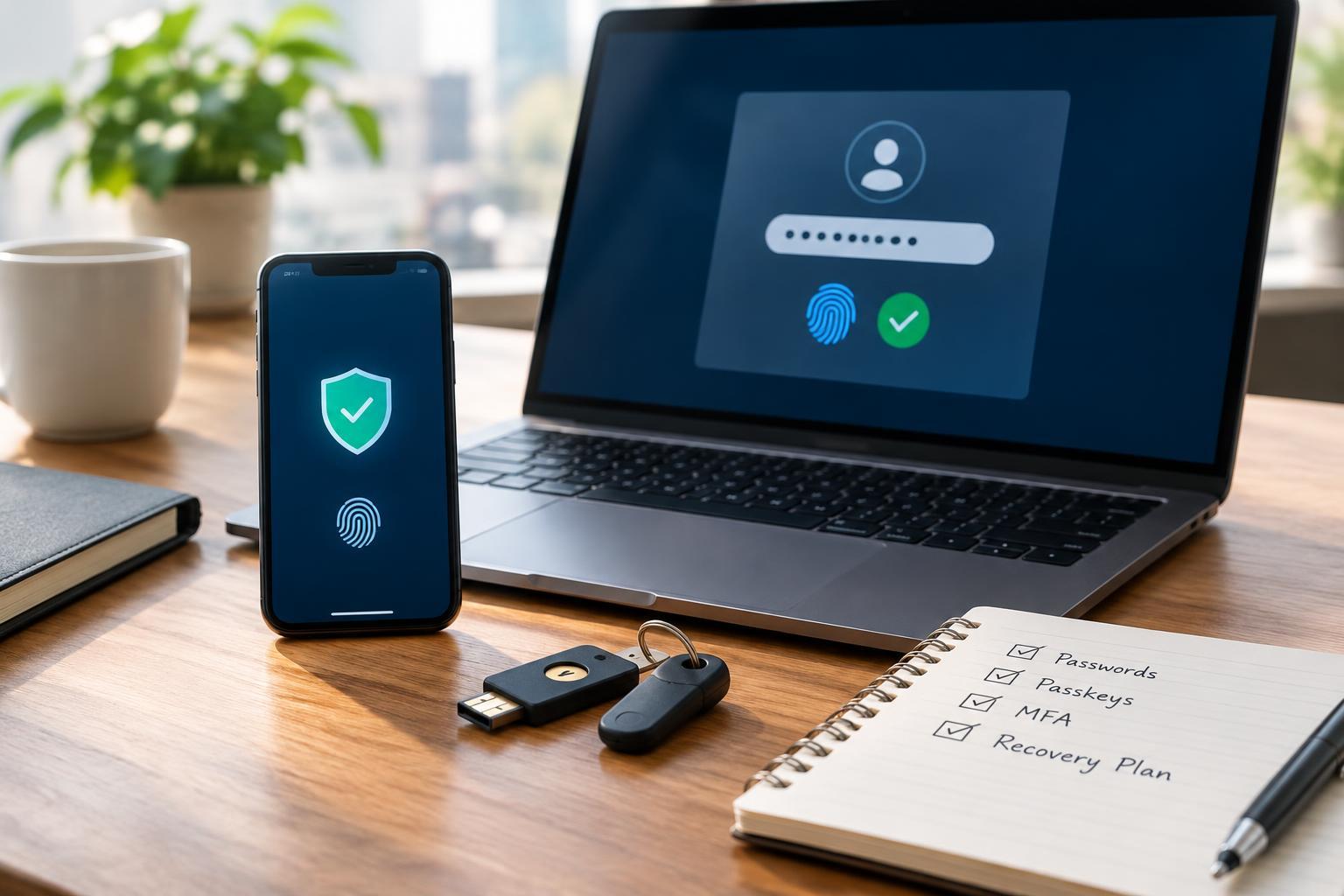
A passkey uses a cryptographic key pair rather than a reusable password. The service holds a public key, while your device or credential provider protects the private key. You typically authorize sign-in with your device PIN, fingerprint, or face recognition. The website does not receive your fingerprint or face scan as part of this process.
Passkeys resist common credential-phishing attacks because authentication is bound to the legitimate service. A lookalike website cannot simply collect a passkey and replay it elsewhere as it could a password. However, passkeys do not eliminate every risk: compromised devices, stolen active sessions, and weak account recovery can still undermine security.
Check whether each passkey is synced through a provider or tied to a particular device or hardware security key. Synced passkeys can make replacing a device easier, but recovery depends on that provider's account and restoration process. Device-bound credentials need another route back in if the device fails. Where supported, register a second passkey on a separately stored security key or another independently accessible device.
Add multifactor authentication without assuming all options are equal
Multifactor authentication combines different kinds of evidence, such as a password you know and an authenticator you possess. For password-based accounts, enable MFA whenever available. Prefer phishing-resistant options, such as appropriately configured hardware security keys. A passkey unlocked with a PIN or biometric can satisfy multifactor requirements in many systems, although services implement and describe this differently.
Authenticator-app codes are a useful alternative, but attackers can trick people into entering them on phishing pages. Push approvals also require care: reject unexpected requests and never approve one merely to stop repeated notifications. Number matching helps reduce accidental approvals, but does not make every push-based flow phishing-resistant.
SMS codes are generally better than password-only access, though they introduce risks involving phone-number takeover and message interception. Use stronger options when practical. Remember that leaving a weaker method enabled as a fallback may preserve an easier path for attackers.
Build a recovery plan that survives losing your phone
Save recovery codes when a service offers them. Treat them like passwords: anyone holding a valid code may be able to bypass an authentication step. A protected offline copy, such as a printout in a secure location, can provide independence from your phone and cloud accounts. Follow the service's instructions for replacing used or exposed codes.
Avoid circular recovery arrangements. If your email requires a code from your phone, and restoring that phone's authenticator requires access to the same email, you may be stuck. Before replacing a device, confirm that credentials transfer correctly and test the new sign-in method while the old device remains available.
Maintain security as your devices and accounts change
Periodically review recovery details, registered authenticators, and signed-in devices, especially after changing phones or providers. Remove obsolete access methods only after verifying their replacements. For your most important accounts, keep a short, securely stored recovery checklist. The goal is not the most complicated setup: it is strong everyday protection with a recovery path you can actually use.