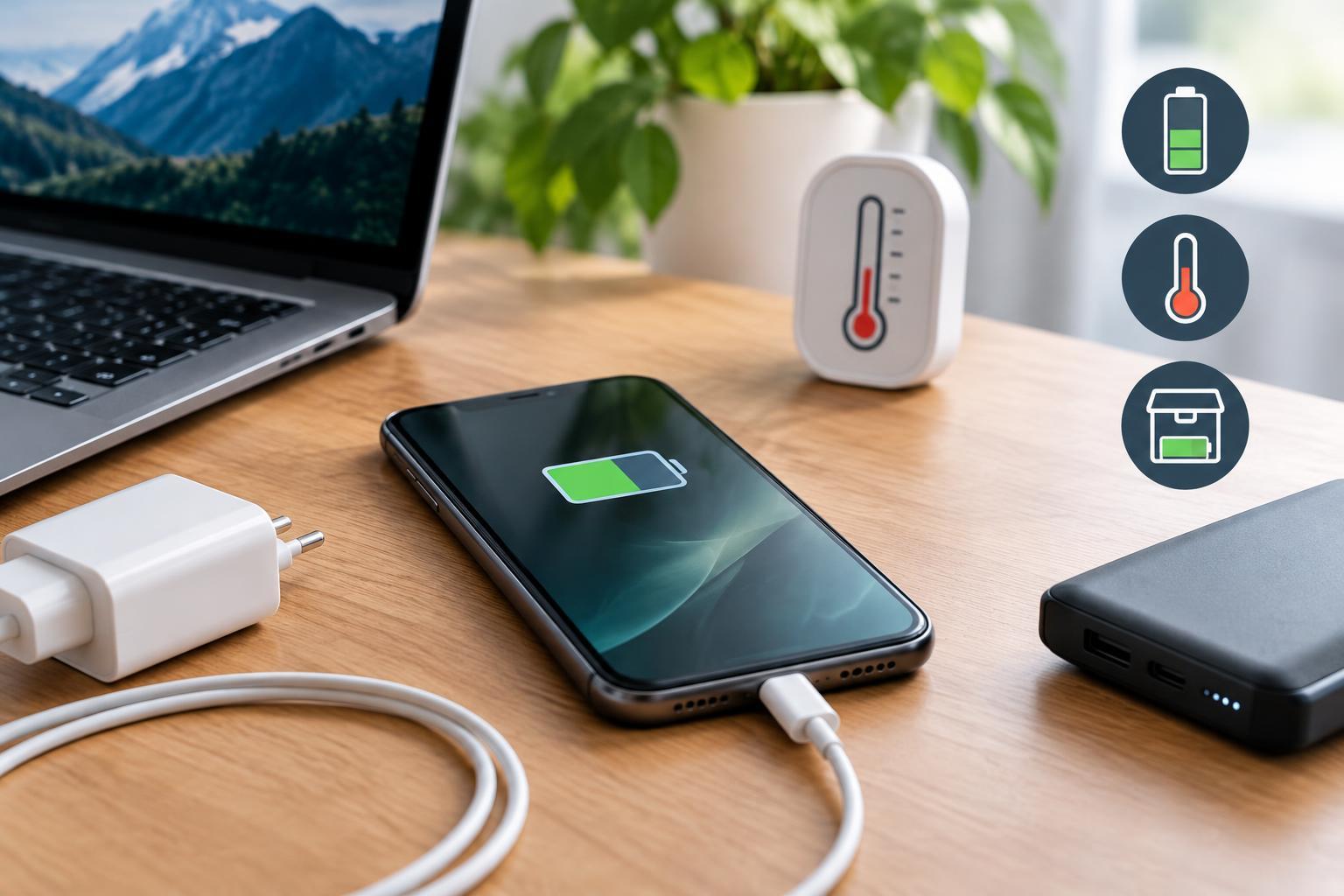
Understand What Actually Ages a Battery
Extending battery life can mean two things: getting more hours from today’s charge or keeping useful capacity for more years. Lowering screen brightness helps with the first. Managing temperature, charging, and storage helps with the second. The two overlap, but a device that uses little power can still age quickly if its battery stays hot and fully charged.
Lithium-ion batteries gradually lose capacity through chemical changes. Aging happens both as time passes and as the battery is used. A charge cycle roughly represents using the equivalent of the battery’s full capacity, not simply plugging in once. Two separate discharges of about 50 percent add up to approximately one equivalent full cycle.
You cannot stop this aging, and different battery chemistries and device designs behave differently. However, avoiding excessive heat, frequent deep discharges, and unnecessary time at full charge generally helps. Treat these as sensible defaults rather than strict rules that make your device inconvenient to use.
Favor Partial Charging Without Obsessing Over Percentages
Lithium-ion batteries do not need to be drained before recharging. Small top-ups are fine. For everyday use, keeping the charge roughly between 20 and 80 percent can reduce stress compared with repeatedly running from full to empty. Those numbers are a practical guideline, not a sharp boundary between safe and harmful operation.
Use a built-in charge limit or optimized charging feature if your device offers one. A charge limit is especially useful for laptops that spend much of their time plugged in. Optimized charging may delay the final part of charging until closer to when you normally unplug, reducing the time spent near full charge.
Charging to 100 percent is reasonable when you need the runtime. The less helpful habit is leaving a battery full and hot for extended periods. Properly functioning devices manage charging to prevent electrical overcharging, so overnight charging is not inherently an overcharge problem. Still, enable charging protections and avoid charging under bedding or on surfaces that trap heat.
Make Temperature Your First Priority
Heat is one of the most important controllable causes of battery aging. Avoid leaving phones, laptops, or spare batteries in a parked car or direct sunlight. Keep laptop vents clear and place the device on a hard surface when working heavily. A phone navigating in a sunny windshield mount while charging can face several heat sources at once.
Fast charging is not automatically bad: compatible devices regulate charging power and temperature. However, higher charging power can create more heat in some conditions. When speed is unnecessary, a compatible lower-power charger or a device’s slower charging setting may help keep temperatures down. Pause demanding games or other heavy workloads if charging makes the device unusually warm.
Wireless charging can also produce more heat than wired charging, particularly with poor alignment. Use compatible equipment and follow any case-removal guidance. Do not cool a hot battery in a refrigerator or freezer; condensation and extreme temperatures introduce other risks. Let it return naturally to a moderate temperature. After exposure to freezing conditions, allow the battery to warm before charging, following the manufacturer’s temperature limits.
Store Unused Devices Partly Charged
For storage lasting weeks or months, avoid putting a device away either completely empty or fully charged. Around 40 to 60 percent is a useful general target, unless the manufacturer recommends otherwise. Shut the device down rather than leaving it asleep, and keep it somewhere cool, dry, and out of direct sunlight.
An empty battery can continue losing charge through self-discharge and the device’s small standby demands. Over enough time, it may fall into a deeply discharged state that prevents normal charging. A fully charged battery avoids that particular problem but spends storage at a higher state of charge, which can increase aging, especially in warmth.
Check stored devices periodically, perhaps every few months, and recharge modestly if the level has fallen substantially. The appropriate interval depends on the device and its power drain while switched off. For removable tool batteries or other packs, follow the manufacturer’s guidance on disconnecting them from equipment and protect exposed terminals from contact with metal objects.
Skip Battery Myths and Recognize When Care Is Not Enough
Routine full discharge does not restore lost capacity, and lithium-ion batteries do not require it to prevent a memory effect. Occasionally, a manufacturer may recommend a specific procedure to improve the accuracy of the charge indicator. That recalibrates an estimate; it does not reverse chemical aging. Avoid repeated empty-to-full cycles as a general maintenance ritual.
Battery-saving settings can reduce energy use and charging frequency, but no software setting can make an aging battery new again. If runtime no longer meets your needs, an appropriate replacement may be more useful than increasingly restrictive charging habits.
Stop using or charging a battery that is swollen, leaking, or showing other signs of damage, and seek manufacturer or qualified service guidance. Do not puncture it or attempt improvised repairs. Use an appropriate battery collection or recycling service rather than household trash. For healthy batteries, the simple priorities remain: keep them cool, use charging protections, and store them partly charged.